
What Are Feishu CLI and WeCom CLI? 8 Practical Use Cases
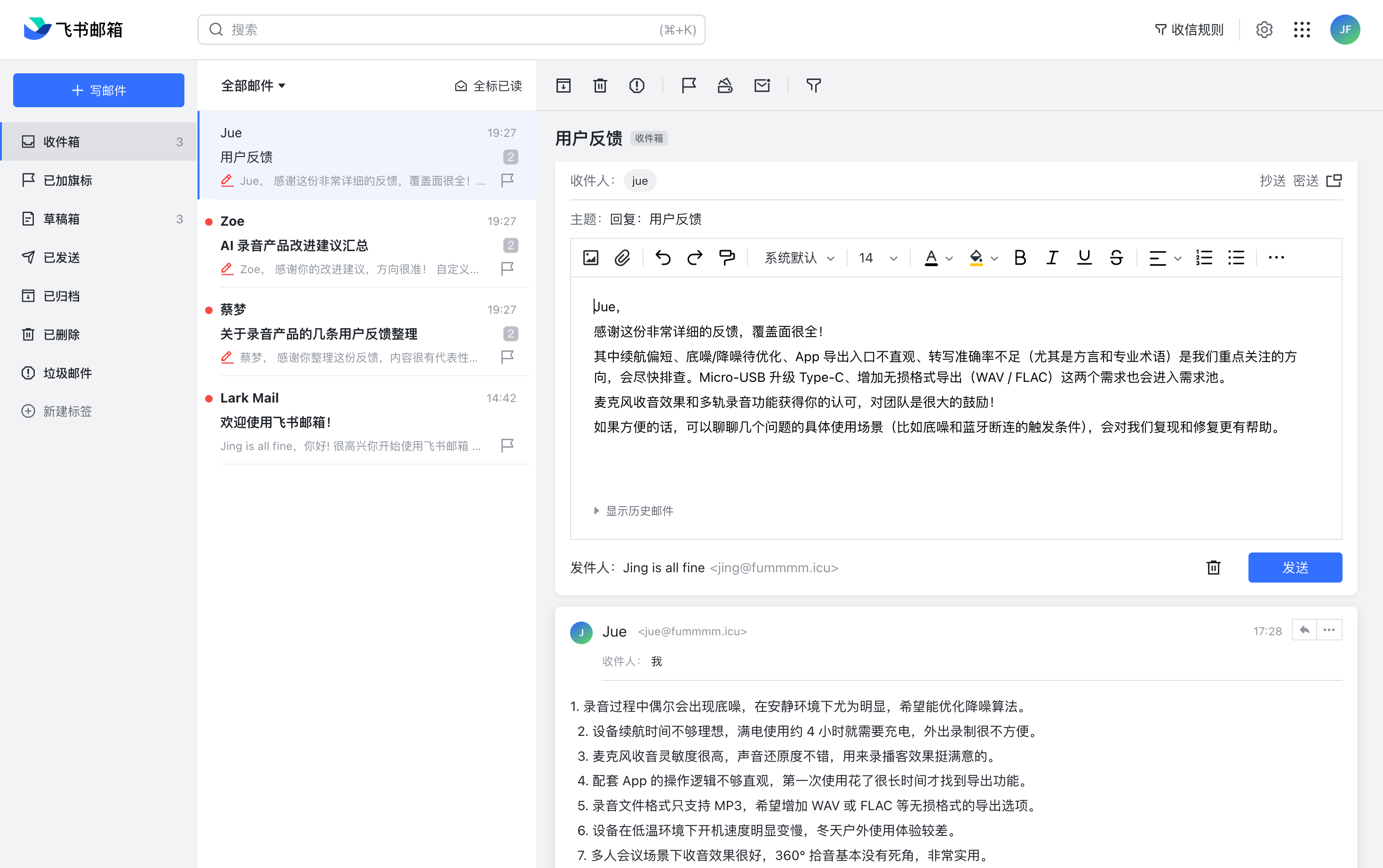
Agent-native software changes who the real user is
For years, software design assumed the user would be a person. Interfaces were optimized for clicking, navigating, and visually scanning controls. In an agent-native world, that assumption breaks. AI agents are becoming operators too, and they need products to expose capabilities in a form language models can act on directly.
That is where CLI becomes strategically important. A command line gives AI a precise interaction surface: text in, action out. For workplace software like Lark, this means agents can stop acting like external advisors and start functioning like real teammates with operational reach.
An open interface matters more than a tool-specific integration
One of the strongest ideas behind Lark CLI is that it does not belong to a single AI product. Whether a team prefers Claude Code, Cursor, Trae, or something else, the integration model stays stable. The CLI becomes the interface contract, while the AI layer remains replaceable.
That is a meaningful architectural choice for enterprises. It reduces platform lock-in and gives teams room to evolve their AI stack without rebuilding the bridge into their collaboration system every time the preferred model or coding environment changes.
Eight practical ways teams can use it
1. Daily agenda briefings
An agent can read the day's calendar, summarize the meetings, note key participants or context, and push a concise morning briefing before the workday starts.
2. Auto-generated weekly reports
Instead of manually reconstructing a week from memory, the agent can pull data from calendars, docs, and tasks to draft a structured report directly inside Lark docs.
3. Turning meeting notes into assignments
After a meeting, AI can identify action items, map them to owners, and create follow-up tasks automatically. That shortens the gap between discussion and execution.
4. Group chat summaries
For busy teams, catching up on chat is often expensive. An agent can read recent threads, surface decisions and unresolved points, and produce a fast catch-up summary for anyone rejoining the conversation.
5. Cross-timezone scheduling
Multi-region coordination becomes easier when AI can inspect availability across calendars, compare time zones, and propose meeting slots that are realistic for everyone involved.
6. Using docs as a searchable knowledge base
Once AI can programmatically access Lark docs, the document system becomes more than a storage layer. It turns into a live knowledge base the agent can query, synthesize, and recombine into new outputs.
7. Managing Base automatically
Base is especially powerful when agents can create tables, add records, update statuses, and sync structured data from other sources without manual entry.
8. Letting AI review documents in comments
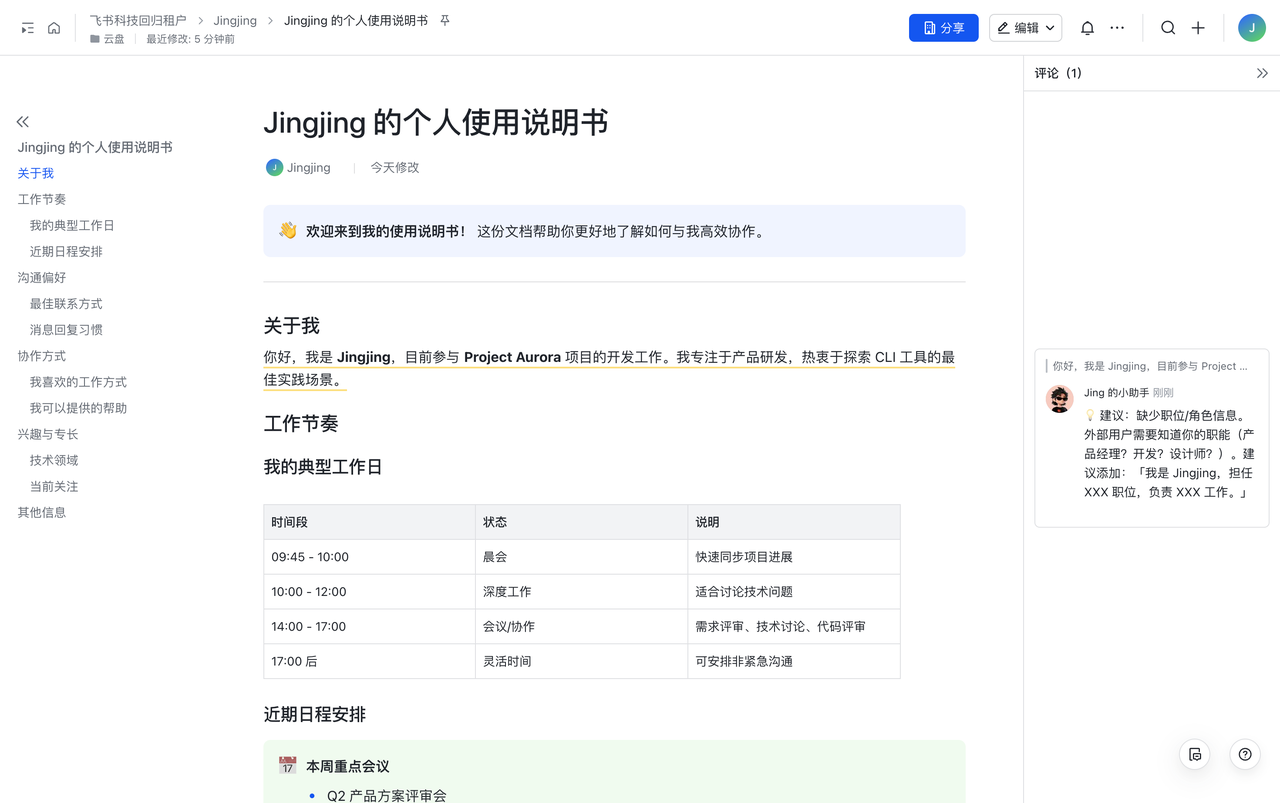
A subtle but valuable pattern is using AI as a reviewer rather than a replacement author. It can read a document section by section and leave targeted comments exactly where edits are needed.
Why this matters beyond simple productivity gains
The obvious benefit is speed. Tasks that used to take half an hour—weekly updates, meeting cleanup, structured summaries—can be compressed dramatically. But the deeper shift is that work itself gets redesigned. AI starts linking steps together that used to depend on people constantly handing context from one tool to another.
Eventually that changes human roles too. People spend less time on mechanical coordination and more time on judgment, direction, and supervision. In that sense, the CLI is not just a utility layer. It is one of the pieces that makes agent-native organizations operationally real.
Adapted from Lengyi’s original article.