
Feishu CLI Is Open Source: 4 Enterprise Workflows Built with Claude Code
Why CLI matters once AI becomes the operator
Most workplace software was designed for humans clicking through interfaces. That works well when every action is manual, but it becomes a bottleneck once AI agents enter the loop. An agent does not naturally browse menus or drag files around. It works best when the product exposes a clear text-based interface.
That is why Lark CLI feels important. It turns everyday Lark actions into structured commands that an AI system can reliably execute: read docs, send messages, create tasks, inspect calendars, and move information between apps. Instead of AI stopping at advice, it can move into execution.
Setup is short, but the implications are big
The practical setup is straightforward: install the CLI, add the skill package to your AI tooling, then authenticate your Lark account. After that, the interesting part is not the installation itself but the fact that your workspace becomes programmable in a way general AI tools can understand.
1. Install the CLI
2. Add the Lark skill to your AI tool
3. Run authentication and authorize your account
In other words, the barrier to entry is low, but the leverage is high. A few minutes of setup can turn Lark from a destination app into an execution layer for your AI workflows.
Use case 1: auto-building a living profile
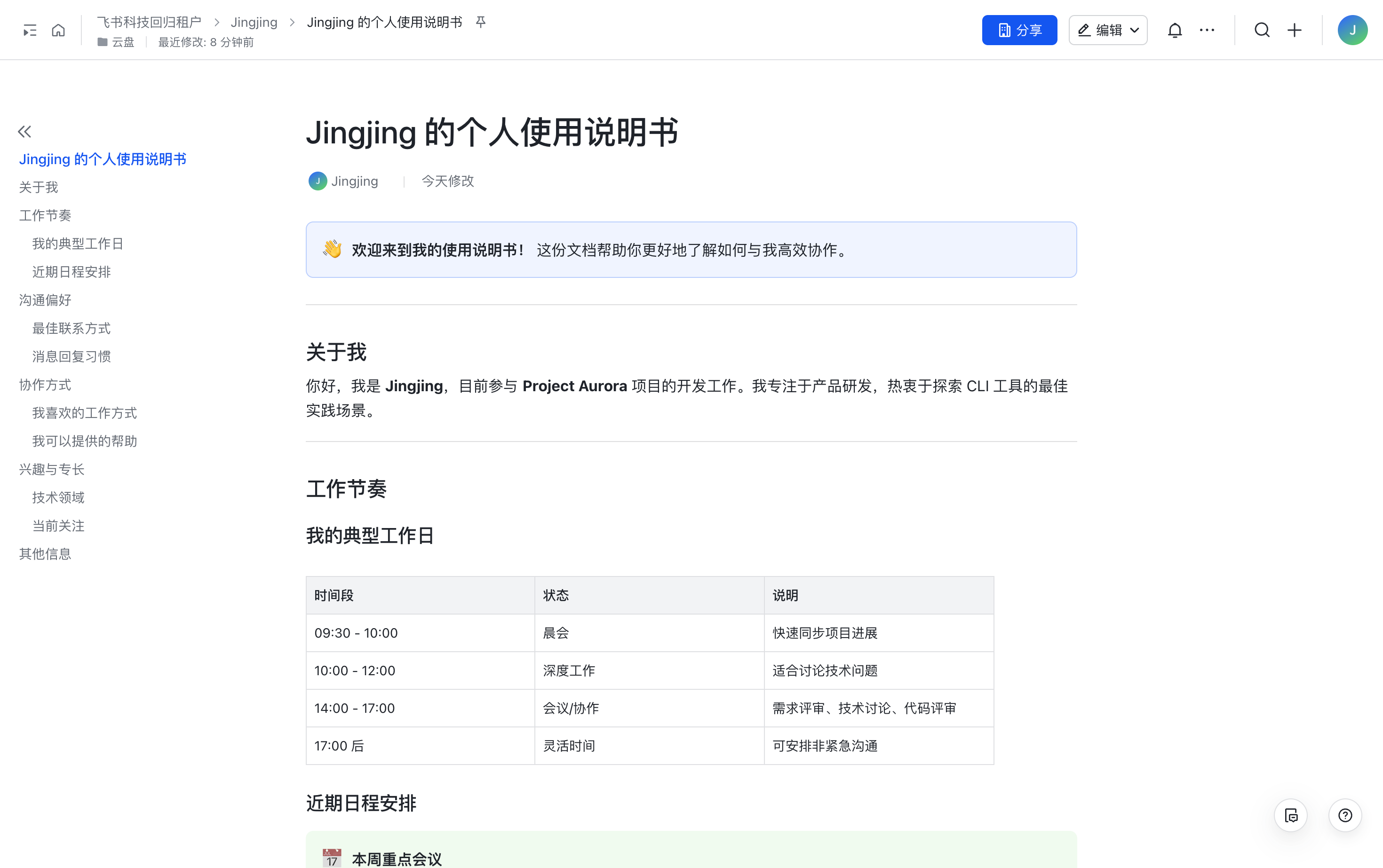
One of the first experiments was to ask AI to compile a structured personal profile directly from Lark. The agent pulled contact information, looked at recent documents and projects, checked calendar patterns, and assembled everything into a clean Lark doc.
What stood out was not just that the document was generated automatically, but that the agent could decide which tools to call and in what order. It behaved less like a template filler and more like a junior operator who knows where relevant context usually lives.
Use case 2: turning content production into one continuous flow
Content work is usually fragmented. Research happens in one place, outlining in another, drafting somewhere else, and review inside comments or chat threads. With Lark CLI, those steps can be stitched together in a single agent-driven workflow.
Research
The agent can check trend signals, search the internal knowledge base, and avoid repeating topics the team already covered.
Outline and first draft
Once the direction is clear, it can create a Lark doc, build an outline, and expand it into a first draft without the user having to switch tools.
Review as collaboration, not replacement
The most compelling part is review. Instead of replacing the doc wholesale, AI can leave comments exactly where revision is needed, which feels much closer to working with an editor than using a one-shot generator.
Use case 3: summarizing noisy chats into actionable tasks
Group chats are where important work often gets buried. In this scenario, the agent reads recent discussion, extracts decisions and next steps, then creates the corresponding tasks in Lark automatically.
The real value is not the summary by itself. It is the conversion of scattered conversation into operational structure. Once chat is transformed into tasks, momentum stops depending on who happened to remember what.
Use case 4: building a project board from documents
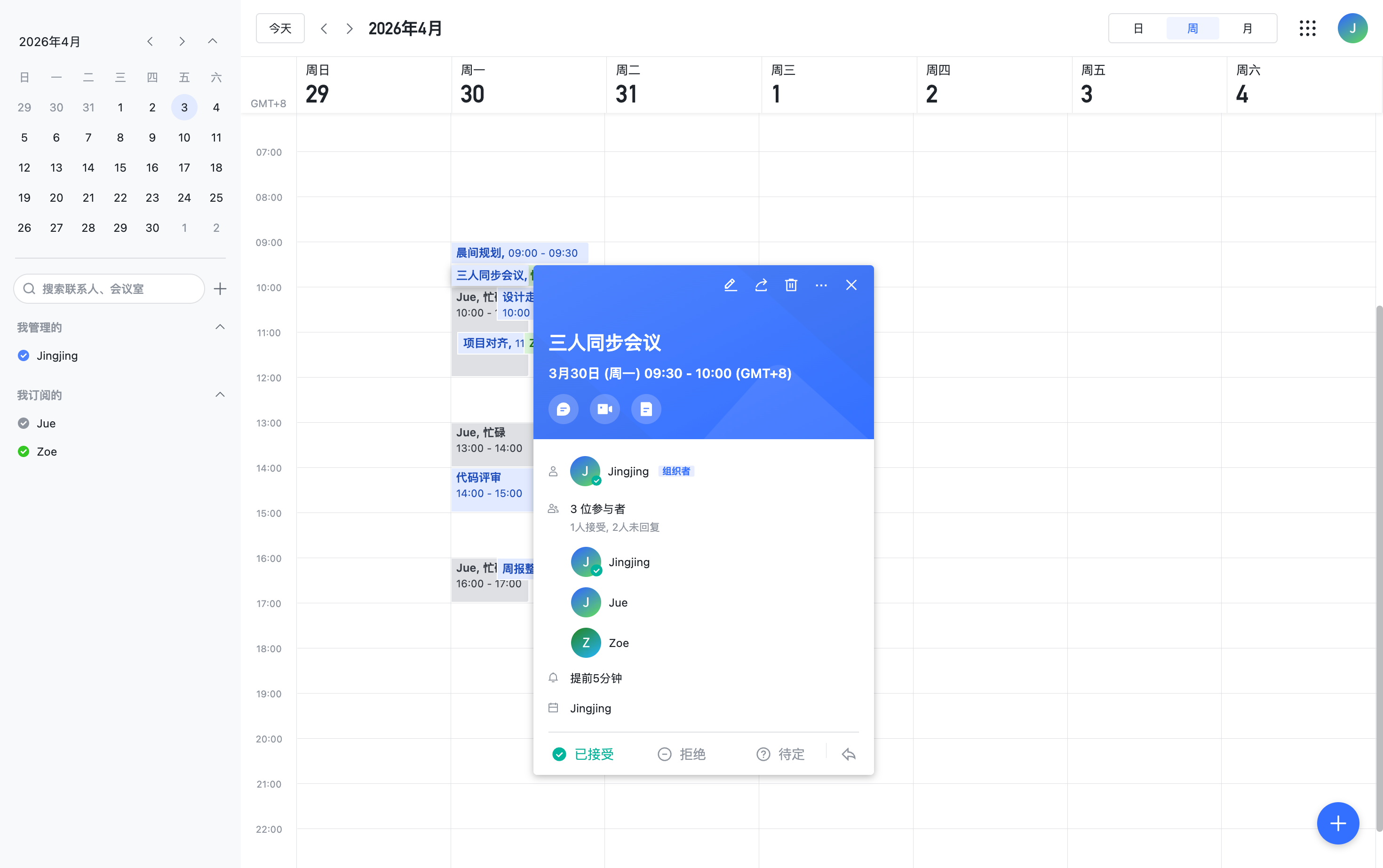
Another strong scenario is using Lark Base as a destination for structured information. The agent can read multiple docs, identify fields like owner, status, deadline, or project name, and populate a centralized board automatically.
That removes a surprisingly expensive category of work: copying operational data from one collaboration surface to another just so teams can track it consistently.
The bigger takeaway: this is AI infrastructure, not just a CLI
After trying several scenarios, the broader conclusion is that Lark CLI should be seen less as a developer utility and more as infrastructure for enterprise agents. It creates the missing bridge between language-native AI systems and the everyday tools organizations already use.
Open source makes that story stronger. Teams can inspect the behavior, extend it with their own skills, and combine small capabilities into larger automation systems that fit their internal workflows instead of waiting for a single product to cover every edge case.
Adapted from Jiamu’s original article.