
I Let AI Operate My Feishu Workspace — and It Did Better Than Me
Using AI to rebuild a messy knowledge base
A strong first use case for Lark CLI is documentation restructuring. Many teams already have a large body of internal docs, but the information is spread across outdated pages, duplicate guides, and inconsistent hierarchies. Instead of cleaning that up manually, AI can inspect the structure, read the content, and propose a more coherent taxonomy.
What makes this compelling is that the agent is not just classifying titles. It can reason across relationships between documents, spot overlap, identify stale sections, and suggest where materials should be merged or split. Human review remains important, but the heavy lifting shifts to the agent.
Comments turn AI into an editor instead of a generator
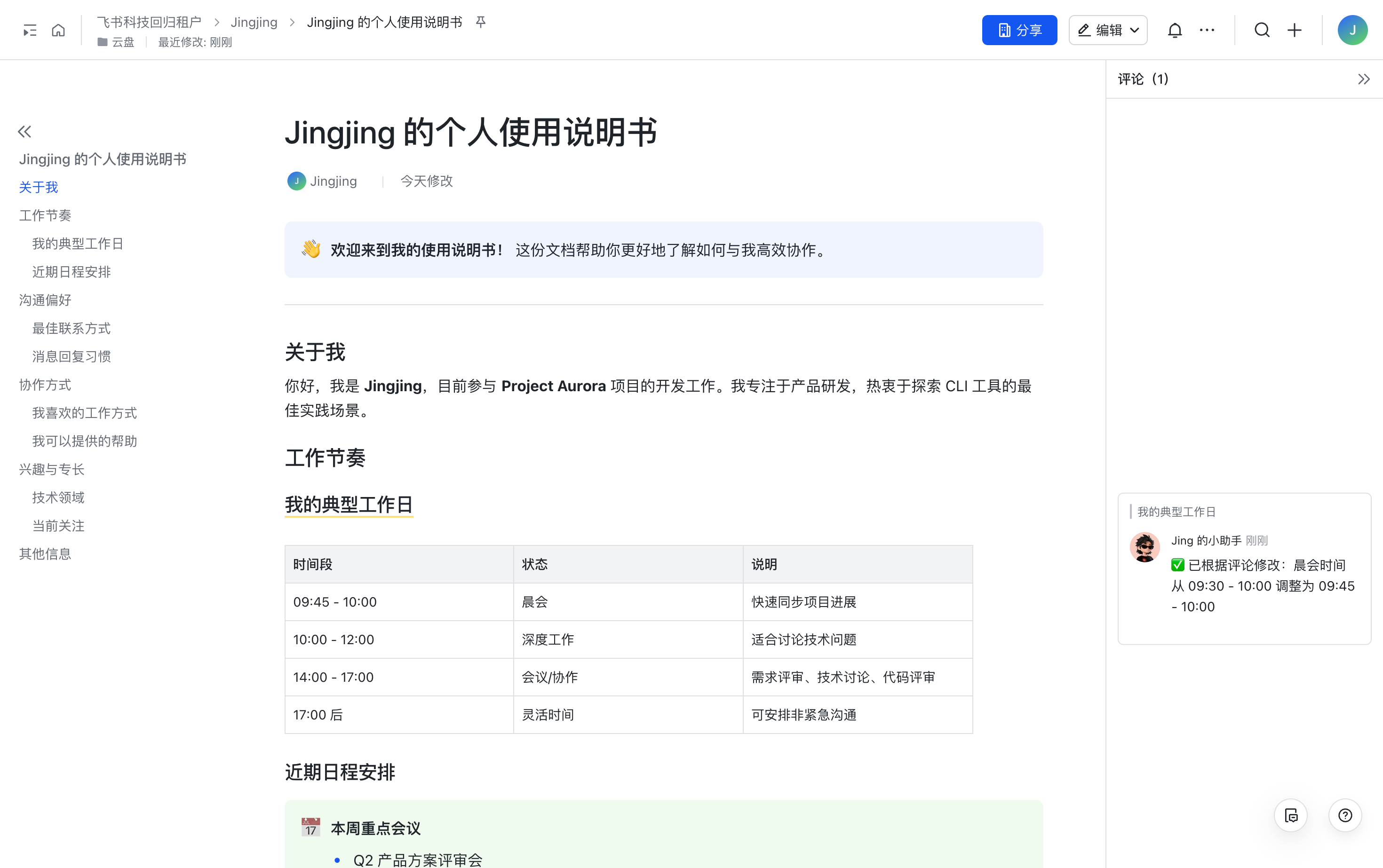
One of the most practical patterns is using comments as the collaboration surface. Rather than asking AI to rewrite an entire document in one shot, the agent can read paragraph by paragraph and leave targeted suggestions exactly where the draft needs work.
That keeps authors in control. You can accept strong suggestions, ignore weak ones, or ask follow-up questions in the same thread. The result feels much closer to working with an editor than handing a document to a black-box model and hoping the output is better.
Markdown becomes easier to operationalize inside Lark
Many technical teams still draft in Markdown first, but distribution often happens inside Lark docs. Lark CLI creates a cleaner bridge between those worlds. Local Markdown content can be pushed into Lark docs while preserving structure and images, which removes a lot of repetitive formatting work.
That sounds simple, but it matters in practice. Product notes, technical guides, and internal reports frequently move back and forth between local files and collaborative docs. Once that sync path is automated, the team spends less time on publishing mechanics and more time on actual content quality.
Turning meeting recordings into reusable documentation
Another useful workflow starts from recorded meetings. The agent can retrieve the transcript, identify the important concepts or steps, and turn the session into structured documentation instead of letting the recording sit unused.
This is especially valuable for training sessions, internal demos, and technical walkthroughs. A one-hour session can become a concise written asset in minutes, which lowers the cost of knowledge capture across the organization.
Why the CLI feels effective in practice
Broad coverage
Lark CLI covers 18 business domains, including docs, messaging, calendars, Base, tasks, mail, Wiki, and Drive. These modules can be combined to automate everyday workflows.
Guided setup and authorization
The official installer guides you through CLI and Skills installation. Configure your Lark app, enable its required permissions, and authorize your account before use.
Error messages that help the agent recover
Good tooling for AI is not only about success paths. Clear error output matters just as much. When commands fail with useful guidance, the agent has a chance to correct itself and continue, which makes longer automation chains more reliable.
Why open source changes the enterprise conversation
Open source gives enterprises a stronger foundation for trust. The code can be inspected, the behavior can be audited, and the platform can be extended instead of treated as a closed black box. That is particularly important when AI is being connected to internal systems and content.
More broadly, once major workplace platforms expose reliable CLI layers, AI integration stops looking like an experiment. It starts to resemble infrastructure: something teams can design around, standardize on, and gradually move into production workflows with confidence.
Adapted from Huangshu’s original article.