
Feishu CLI Whiteboard Features: Full Functionality Overview
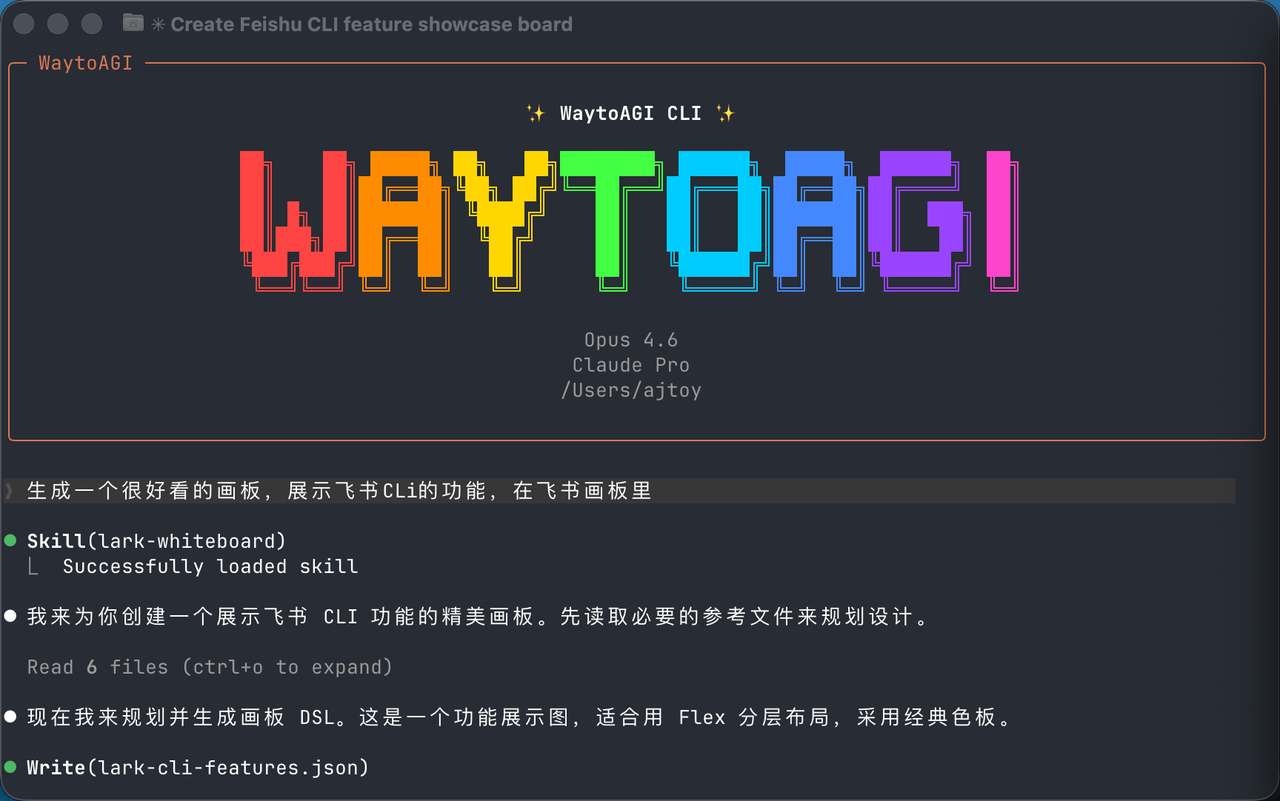
The complete usage manual for the Feishu CLI — from installation to all Skill modules, including whiteboard capabilities.
1. Quick Start
1.1 Install
npx @larksuite/cli@latest install1.2 Initialize Configuration
lark-cli config init --newOpen the generated link and complete the application configuration in the Feishu Developer Console.
1.3 User Login
lark-cli auth login --recommend1.4 Identity Switching
| Identity | Flag | Use Case |
|---|---|---|
| User identity | --as user | Access personal resources such as calendar and cloud drive |
| App identity | --as bot | App-level operations on the bot's own resources |
2. Common Skill Modules
2.1 lark-doc — Cloud Docs
Core capabilities: create and edit Feishu Docs, search cloud documents, and insert media files.
| Command | Description |
|---|---|
| docs +create | Create a new document |
| docs +fetch | Fetch document content |
| docs +update | Update document content |
| docs +search | Search cloud docs and sheets |
| docs +media-insert | Insert images or files |
| docs +media-download | Download document media |
Examples:
# Create a document
lark-cli docs +create --title "My Doc" --as user

# Search documents
lark-cli docs +search --query "Project Plan" --as user
2.2 lark-sheets — Spreadsheets
Core capabilities: create and operate spreadsheets, read and write data, and export files.
| Command | Description |
|---|---|
| sheets +workbook-create | Create a spreadsheet |
| sheets +workbook-info | Get spreadsheet information |
| sheets +cells-get | Read cells |
| sheets +cells-set | Write cells |
| sheets +csv-put | Import CSV data |
| sheets +cells-search | Find content |
| sheets +workbook-export | Export a spreadsheet |
# Read spreadsheet data
lark-cli sheets +csv-get --spreadsheet-token "sht_xxx" --sheet-name "Sheet1" --range "A1:D10" --as user
2.3 lark-base — Bitable
Core capabilities: manage Bitable, run analytics, and configure workflows.
| Command | Description |
|---|---|
| base +table-list | List data tables |
| base +field-list | List fields |
| base +record-list | List records |
| base +record-upsert | Create or update records |
| base +data-query | Aggregated analytics query |
| base +workflow-create | Create a workflow |
# Aggregated data query
lark-cli base +data-query --base-token "bas_xxx" --dsl '{"datasource":{"type":"table","table":{"tableId":"tbl_xxx"}},"dimensions":[{"field_name":"City","alias":"city"}],"measures":[{"field_name":"City","aggregation":"count","alias":"count"}],"shaper":{"format":"flat"}}'
2.4 lark-im — Instant Messaging
Core capabilities: send messages, manage group chats, and search message history.
| Command | Description |
|---|---|
| im +messages-send | Send a message |
| im +messages-reply | Reply to a message |
| im +messages-search | Search messages |
| im +chat-create | Create a group chat |
| im +chat-search | Search group chats |
# Send a text message
lark-cli im +messages-send --chat-id <id> --text "Hello!" --as bot
2.5 lark-calendar — Calendar
Core capabilities: agenda management, free/busy queries, and smart meeting time suggestions.
| Command | Description |
|---|---|
| calendar +agenda | View agenda |
| calendar +create | Create an event |
| calendar +freebusy | Query free/busy status |
| calendar +suggestion | Suggest free time slots |
# View today's agenda
lark-cli calendar +agenda --as user

# Create a meeting
lark-cli calendar +create --summary "Project Review" --start "2026-03-30T10:00:00+08:00" --end "2026-03-30T11:00:00+08:00" --as user
2.6 lark-task — Tasks
Core capabilities: create tasks, manage task lists, and assign members.
| Command | Description |
|---|---|
| task +create | Create a task |
| task +update | Update a task |
| task +complete | Complete a task |
| task +get-my-tasks | Get my tasks |
| task +tasklist-create | Create a task list |
| task +assign | Assign members |
# Get my tasks
lark-cli task +get-my-tasks --as user
2.7 lark-mail — Email
Core capabilities: send and receive emails, manage drafts, and handle attachments.
| Command | Description |
|---|---|
| mail +triage | View inbox summary |
| mail +message | Read an email |
| mail +send | Send email or save draft |
| mail +reply | Reply to email |
| mail +forward | Forward email |
# View inbox
lark-cli mail +triage --as user
2.8 lark-drive — Cloud Drive
Core capabilities: upload and download files, manage permissions, and add comments.
| Command | Description |
|---|---|
| drive +upload | Upload a file |
| drive +download | Download a file |
| drive +add-comment | Add a comment |
2.9 lark-contact — Contacts
Core capabilities: search users and get organizational information.
| Command | Description |
|---|---|
| contact +search-user | Search users |
| contact +get-user | Get user information |
# Get current user info
lark-cli contact +get-user --as user

# Search users
lark-cli contact +search-user --query "John" --as user
2.10 lark-vc — Video Conferencing
Core capabilities: search meeting records and get meeting notes.
| Command | Description |
|---|---|
| vc +search | Search historical meetings |
| vc +notes | Get meeting notes |
2.11 lark-minutes — Minutes
Core capabilities: get Minutes information such as title, cover, and duration.
lark-cli minutes +detail --minute-tokens "mnt_xxx" --as user2.12 lark-wiki — Wiki
Core capabilities: manage knowledge spaces and document nodes.
lark-cli wiki +node-get --node-token "wikcn_xxx"2.13 lark-whiteboard — Whiteboard
Core capabilities: draw architecture diagrams, flowcharts, mind maps, and more.
Supported chart types:
- Architecture diagrams and org charts
- Flowcharts and sequence diagrams
- Mind maps and fishbone diagrams
- Bar charts, line charts, and funnel charts
3. Test Cases
Case 1: View today's agenda
lark-cli calendar +agenda --as userResult: successfully retrieved today's agenda, including meeting topics, time, and attendees.
Case 2: Get personal information
lark-cli contact +get-user --as userResult:
{
  "name": "AJ",
  "open_id": "ou_cdac69cfe18cff7cd7122464207908b9"
}
Case 3: Get my tasks
lark-cli task +get-my-tasks --as userResult: successfully retrieved 26 tasks with titles, creation time, due dates, and more.
4. Permissions
Different features require corresponding scopes:
| Module | Common scopes |
|---|---|
| Calendar | calendar:calendar:read, calendar:calendar.event:create |
| Messaging | im:message:readonly, im:chat:read |
| Docs | docs:document:readonly, docx:document:create |
| Tasks | task:task:read, task:task:write |
| Contacts | contact:user.base:readonly |
5. FAQ
Q: What if permissions are insufficient?
# Incremental authorization
lark-cli auth login --scope "calendar:calendar:read"
Q: How do I switch between user and bot identities?
# Use user identity
lark-cli calendar +agenda --as user

# Use app identity
lark-cli im +messages-send --chat-id "oc_xxx" --text "Hello" --as bot
Q: How should Wiki links be handled?
Wiki links require resolving the real token first:
lark-cli wiki +node-get --node-token "wikcn_xxx"More details: https://github.com/larksuite/cli
Source: Feishu Knowledge Base. Original article.