
What is CLI? A Guide for Non-Programmers
In a Nutshell
CLI (Command Line Interface) is typing commands to talk to your computer to get things done.
The Restaurant Analogy
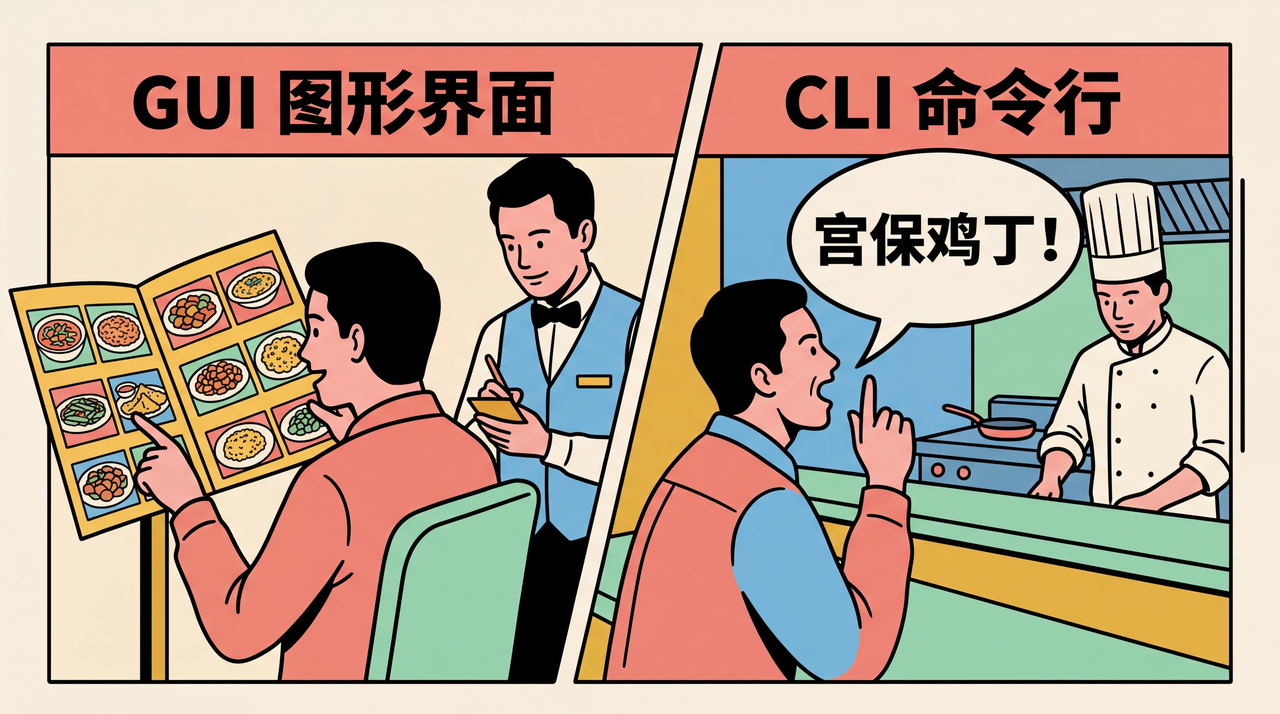
Imagine you go to a restaurant, there are two ways to order:
Way 1: Order from Menu (= GUI)
You flip through a menu with photos and prices, point and say "I want this, this, and that". The waiter takes your order. This is what we do every day with phones and computers — click icons, press buttons, drag and drop, what you see is what you get.
Opening WeChat = Click the green icon
Create new folder = Right click → New → Folder
Way 2: Shout the Dish Name (= CLI)
You don't look at the menu, directly shout to the chef: "Kung Pao Chicken, less spicy, add rice!" The chef understands and starts cooking immediately. Fast, precise, no middleman. But the premise is — you have to know the dish name and how to say it. This is CLI: you open a black window (terminal), type a command, press enter, the computer executes immediately.
mkdir 新文件夹 = Create a new folder called "新文件夹"cp 文件A.txt 文件B.txt = Copy file A to file B
Why Do Programmers Love CLI?
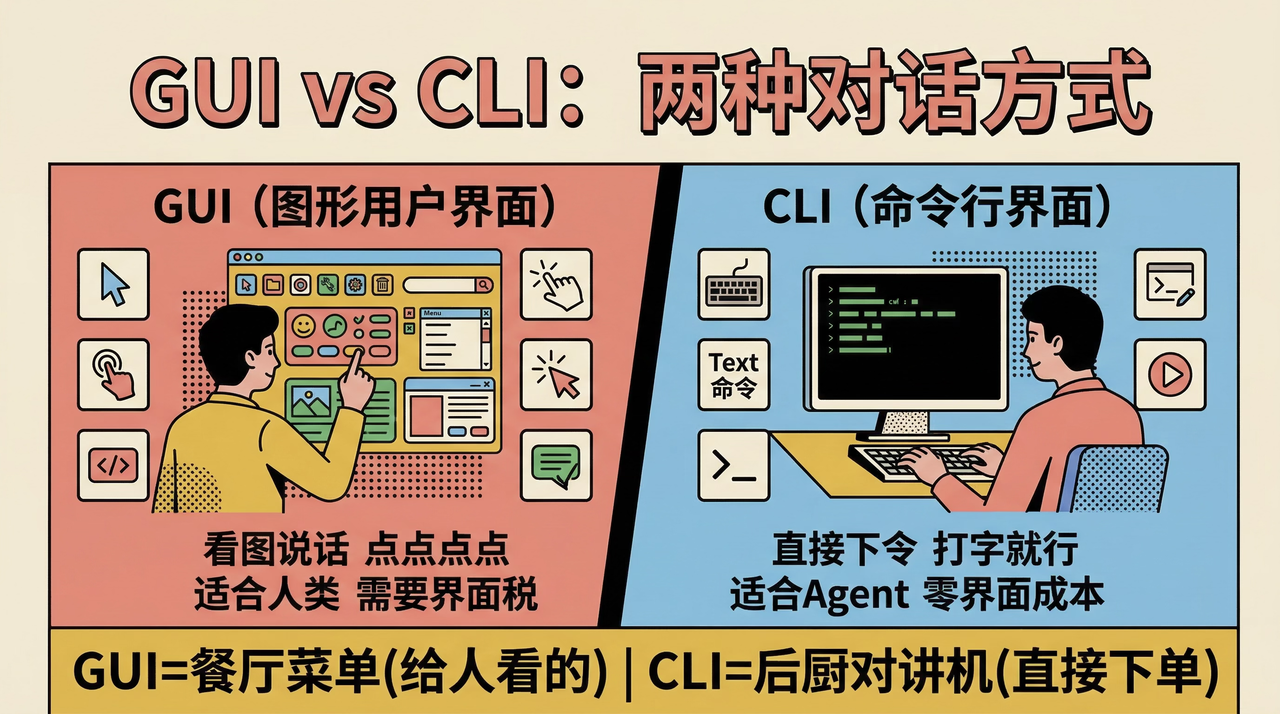
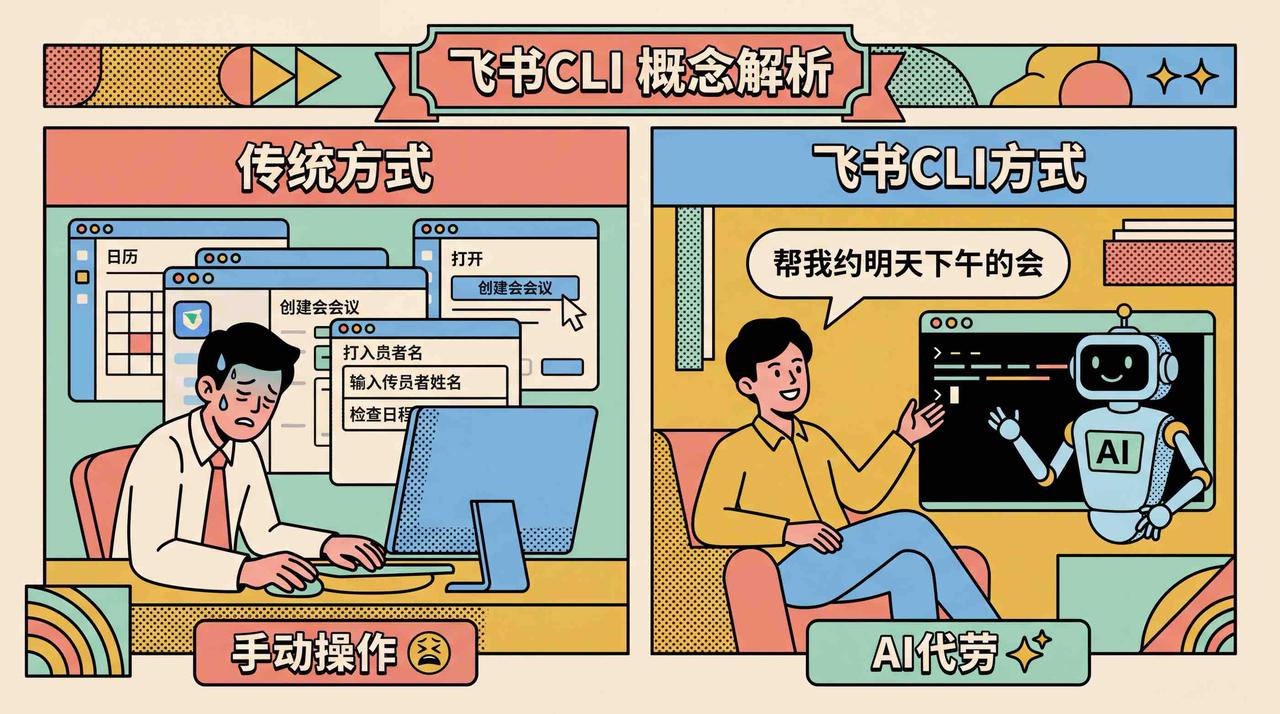
GUI (Graphical Interface)
- ⭐ Easy to learn, intuitive
- 🐢 Slow operation, many steps
- 😫 Batch operations require repeating 100 times
- 🎯 Limited to what's in the menu
- ❌ Hard to automate
CLI (Command Line)
- ⭐⭐⭐ Requires learning commands
- 🚀 Get things done with one line
- 😎 Process 100 files with one command
- 🎯🎯 Precise control over every detail
- ✅ Write scripts, run automatically
A Real Example
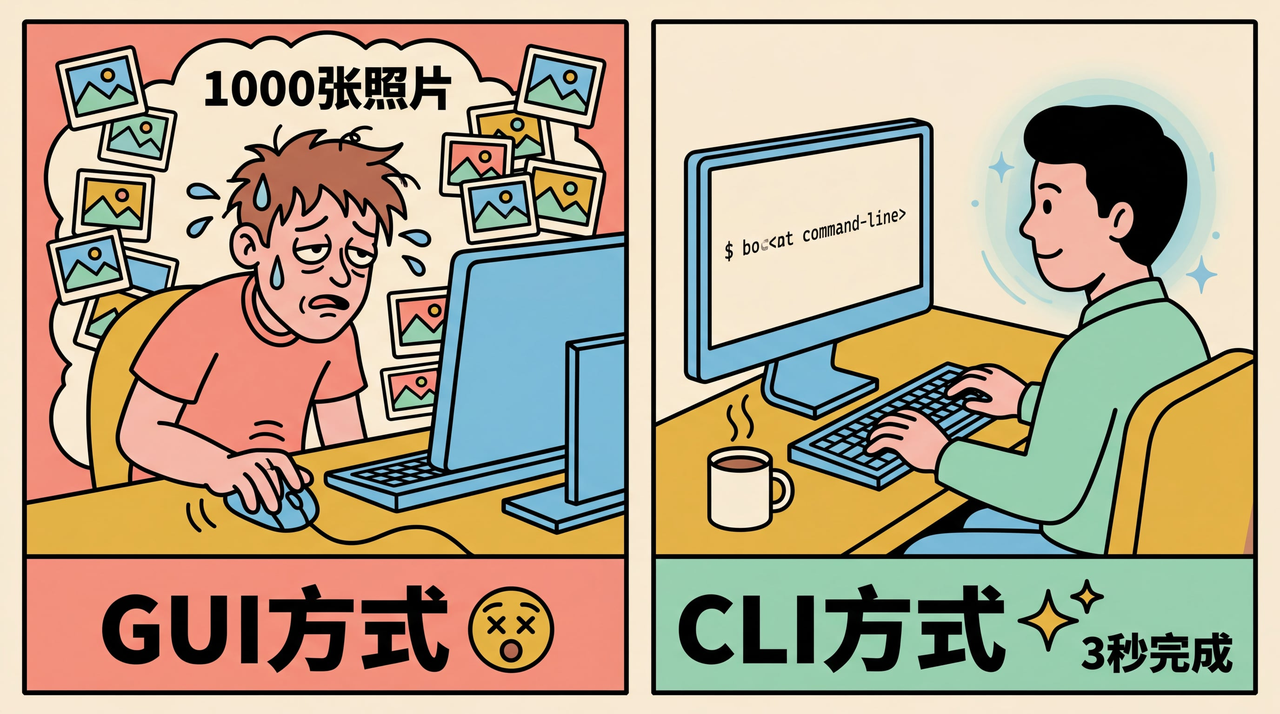
Rename 1000 photos to "trip01.jpg, trip02.jpg..."
- GUI way: Right click → Rename → Type → Next... Repeat 1000 times 😵
- CLI way: One command, 3 seconds ✨
What Does CLI Look Like?
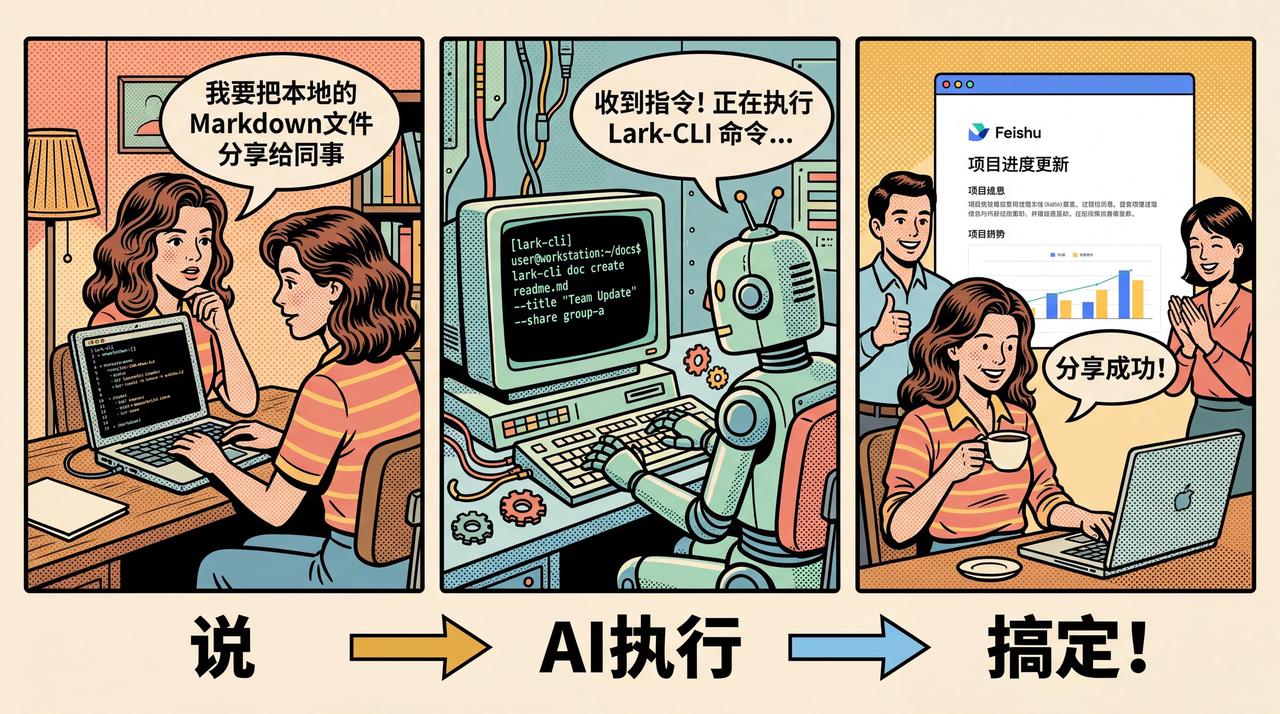
Open "Terminal" (Mac) or "Command Prompt" (Windows) on your computer, you'll see a black (or white) window with a blinking cursor waiting for your input. This `$` symbol is like the computer saying: "Give me your order!" You type a command, press enter, the computer will execute and give you feedback:
$ ls
文档  图片  下载  桌面  音乐
`ls` means "list what's in the current folder" — just like you ask the computer "What's here?"
Common CLI Commands, Translated to Human Language
| Command | Translation | Analogy |
|---|---|---|
| ls | See what's here | Open a drawer and look inside |
| cd 文件夹名 | Go into a folder | Walk into a room |
| mkdir 名字 | Create a new folder | Build a new room |
| cp A B | Copy a file | Make a copy of a document |
| rm 文件 | Delete a file | Throw into a shredder (unrecoverable!) |
| cat 文件 | View file content | Open an envelope and read it |
Summary
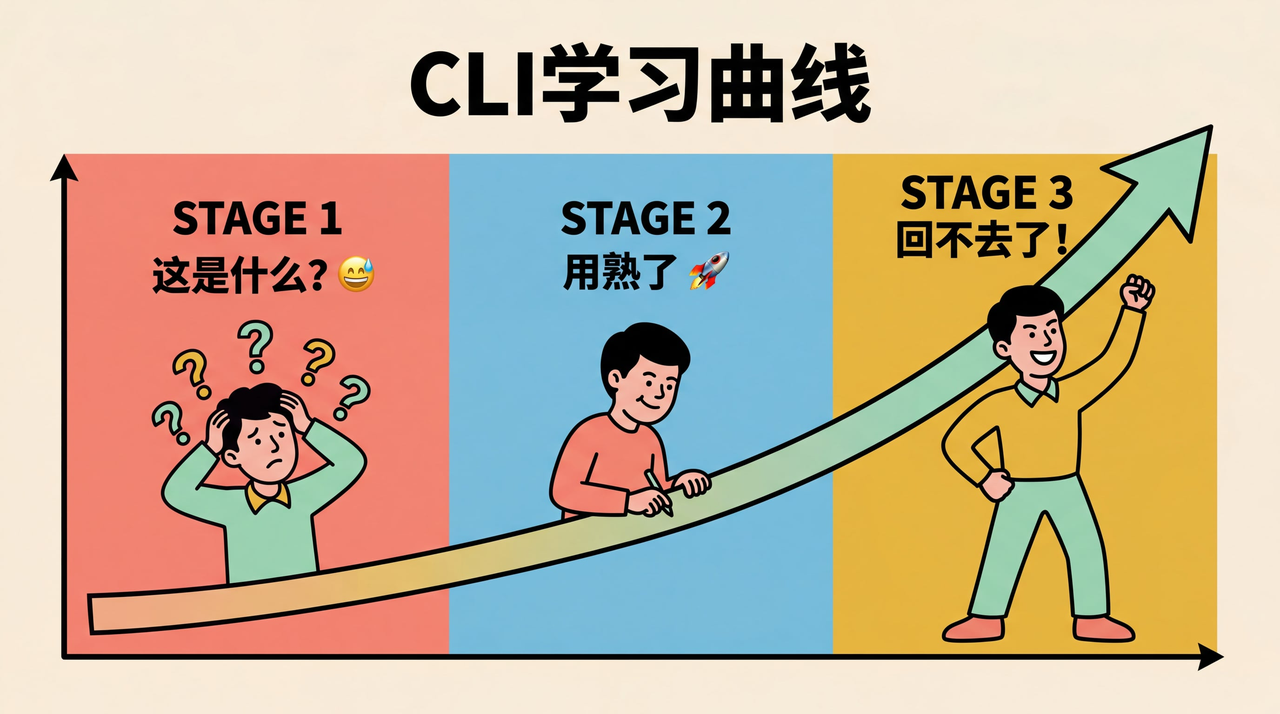
CLI is like learning the computer's language.
- Beginner: Feels like learning a foreign language, can't remember words 😅
- Proficient: Communicate with computer extremely efficiently, one command is worth ten clicks 🚀
- Eventually: You'll think clicking mouse is so slow... 🐌
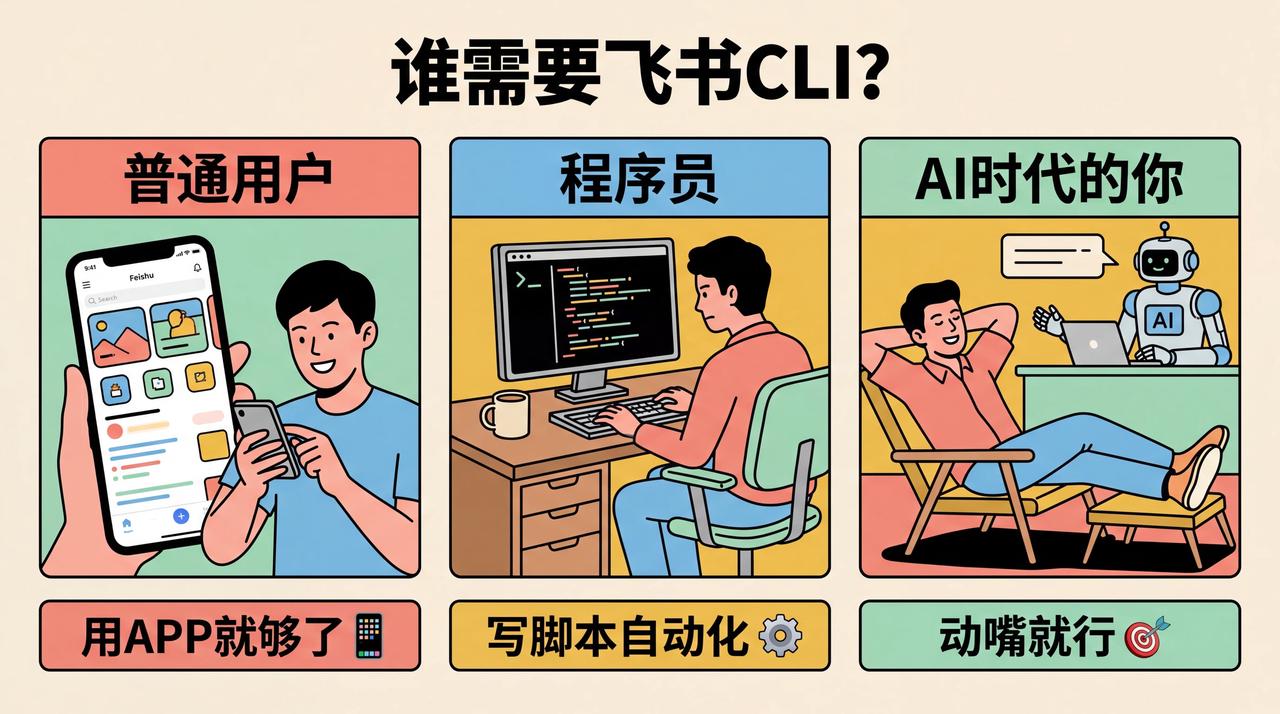
You don't need to learn CLI right now, but understanding what it is will help you understand what programmers are doing, and why their screens are always full of black background and white text 😄


本文内容来源于飞书知识库。详细信息请参阅原文链接。